CCTVWI‑FINETWORKINGMICROSOFT 365IT SUPPORT CCTVWI‑FINETWORKINGMICROSOFT 365IT SUPPORT

IT support for everyday problems.

Device setup, troubleshooting and Microsoft 365 support — sorted quickly.

Certified & Authorised

Official Partners

Microsoft Partner Cloud Solution Provider

What IT Support Can Cover

Device & Workstation Setup

Computers, profiles and everyday apps set up.

Troubleshooting & User Support

Fast help when something stops working.

Microsoft 365 Administration

Day-to-day Microsoft 365 administration.

Accounts, Access & Permissions

Accounts and access, kept up to date.

Microsoft Apps & Device Sign-In

Outlook, Teams, OneDrive and device sign-in.

Changes, Upgrades & Ongoing Support

Support as your setup changes and grows.
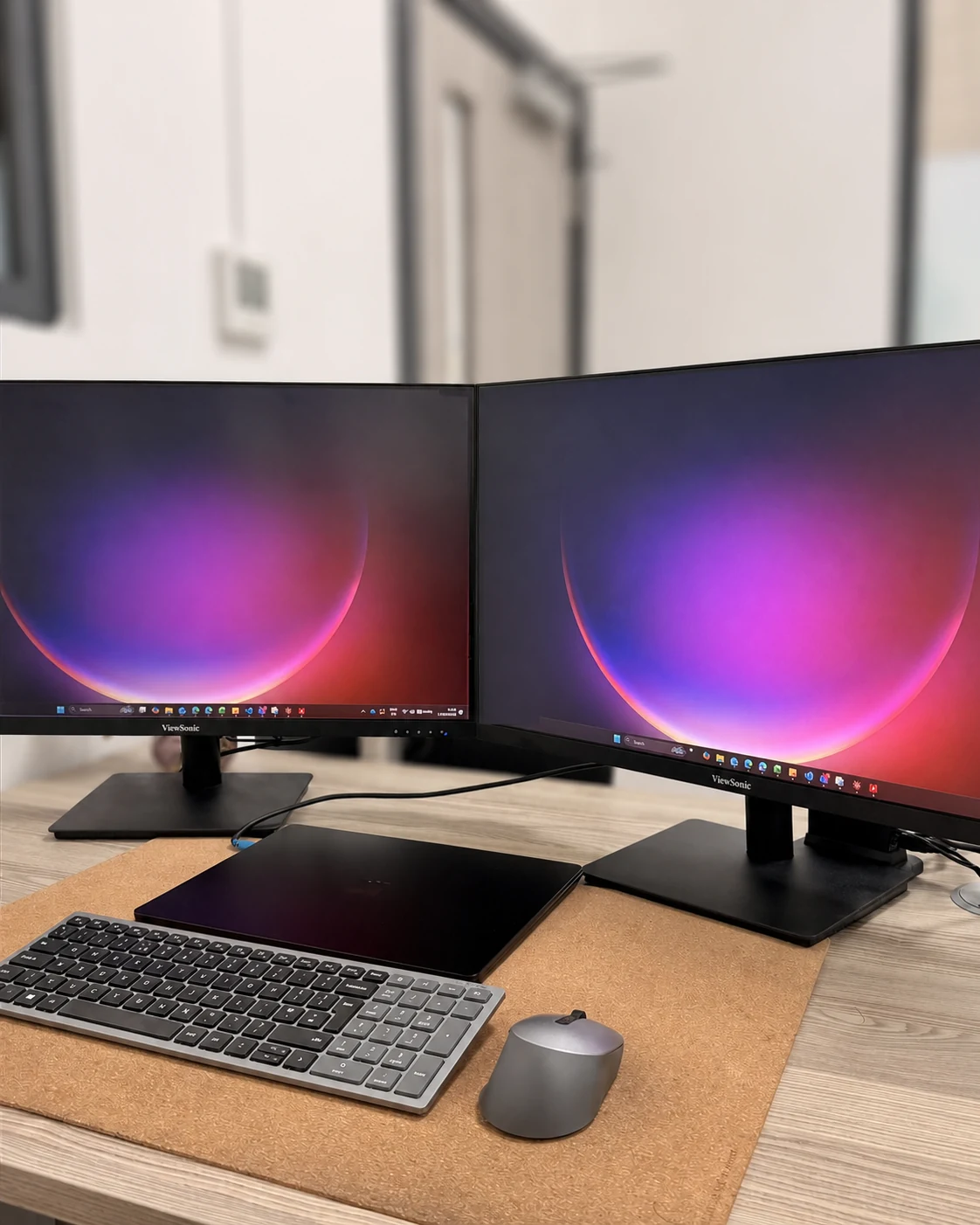
Dual-monitor workstation with keyboard, mouse and laptop prepared for office use
Workstation setup — Intralink Tech

Support for Existing Setups

  • Troubleshooting computers, software and connectivity
  • Setting up devices, users and everyday applications
  • Reviewing Microsoft 365 accounts, access and permissions
  • Helping with Outlook, Teams, OneDrive and device sign-in

Aftercare & Ongoing Help

  • Support after CCTV, Wi-Fi or network installs
  • Adjustments when equipment, accounts or users change
  • Practical help with upgrades and additions
  • A clear point of contact when issues arise

Need IT support or help with Microsoft 365?

Use the contact form to request support or ask a question.